
- Username
- Password
- App ID
For Verizon FTC customers, our team can assist with this process. Please contact us on 1300 822 370 for more details.
1
Create a new read-only Reveal user
Create a new user in Verizon’s Reveal platform by following this help centre guide. We advise assigning this user the Analyst role and providing read-only permissions to account data. The Username and Password credentials required to connect to PathStack are those assigned to this user.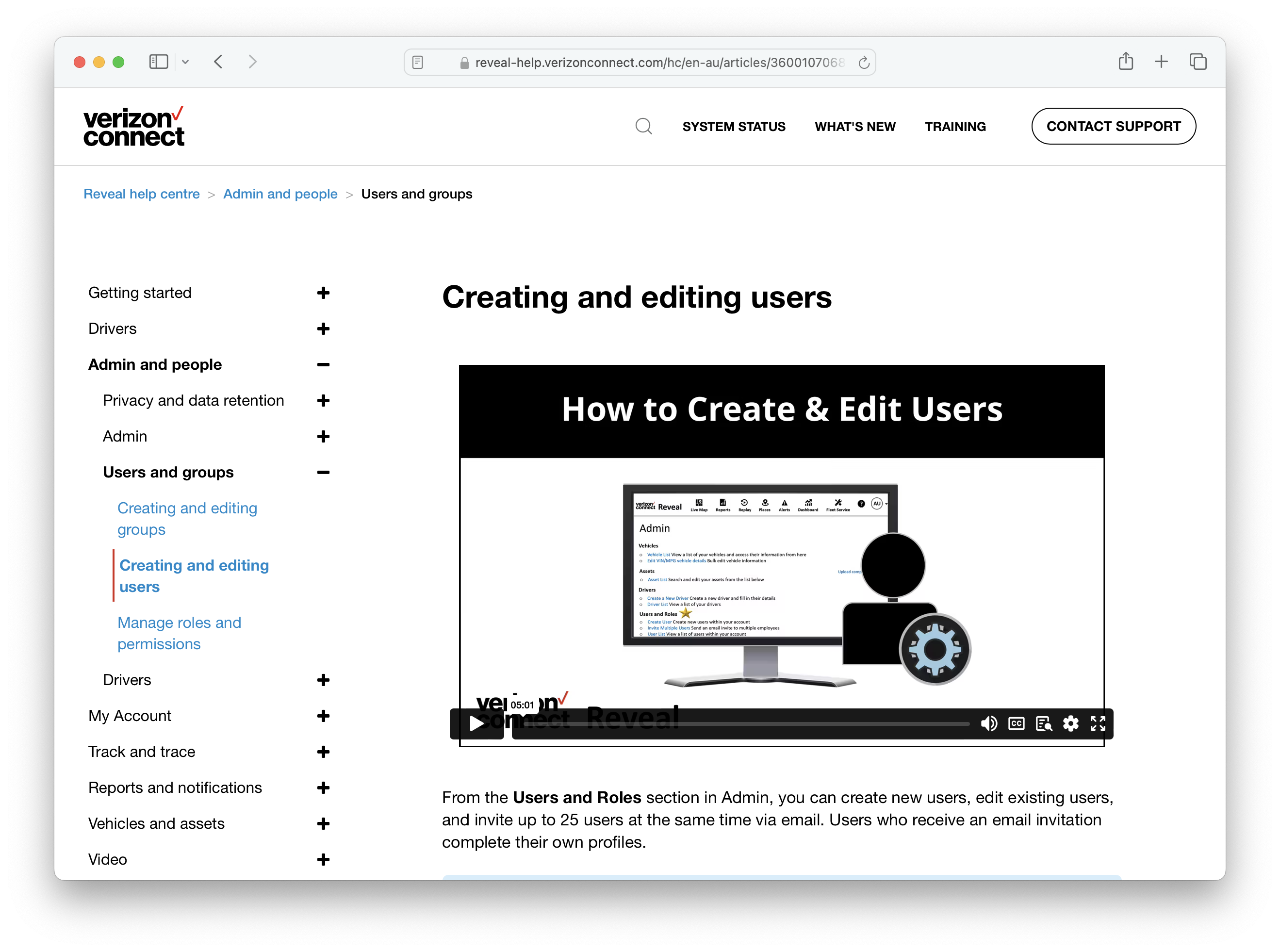
2
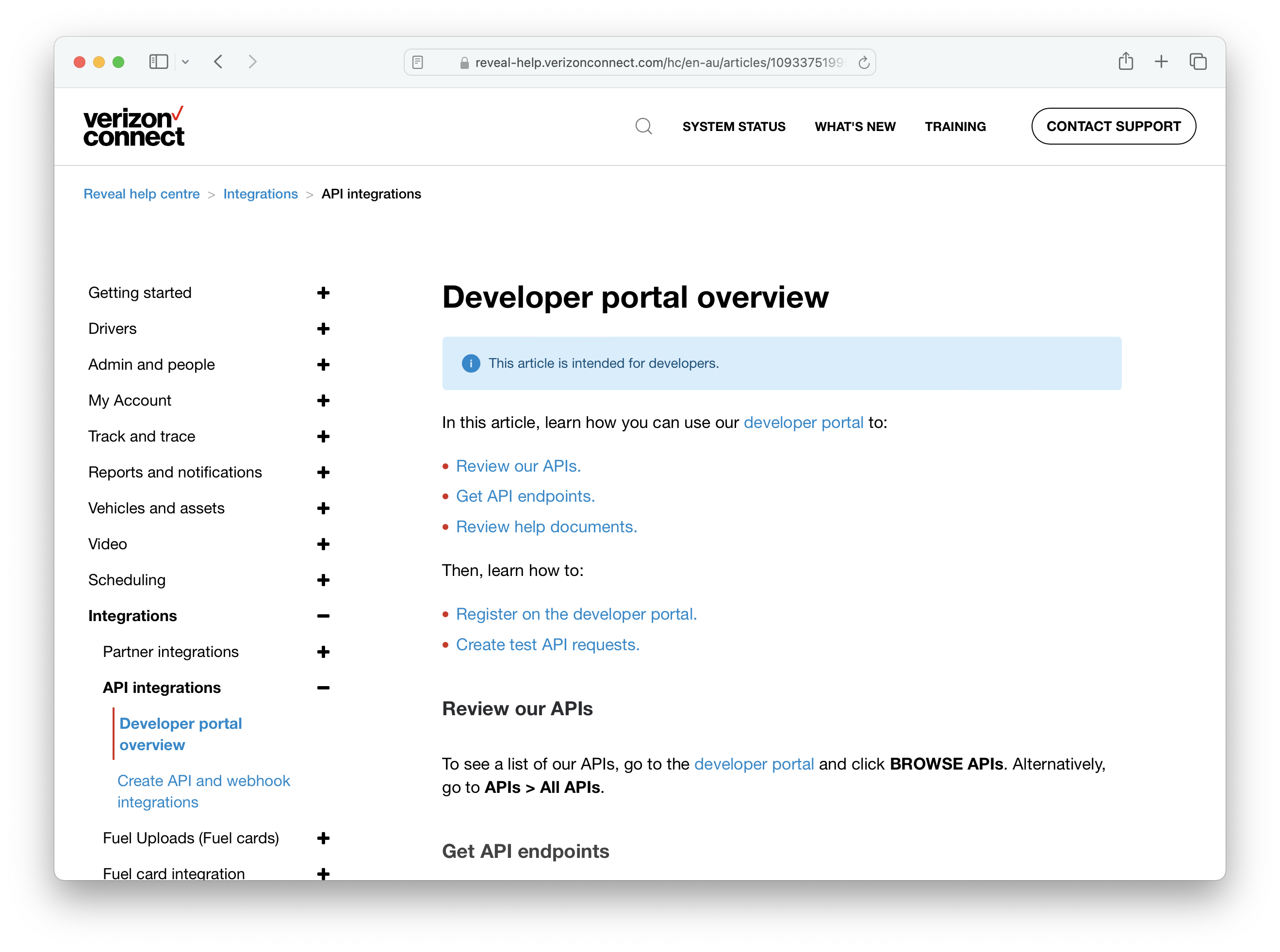
Register a new app on Verizon's developer portal
To obtain the App ID credential, you need to register a new app on Verizon’s developer portal for your Verizon account. Please see this guide for instructions on how to do this.